Features
The four screens you will have open most: one shelf for recordings and notes, a timestamped transcript, tasks taken straight from what was said, and a screen that says plainly what your audio costs. With real screenshots of the running app.
Four screens worth a longer look
Not a feature list. These are the four you will have open most.
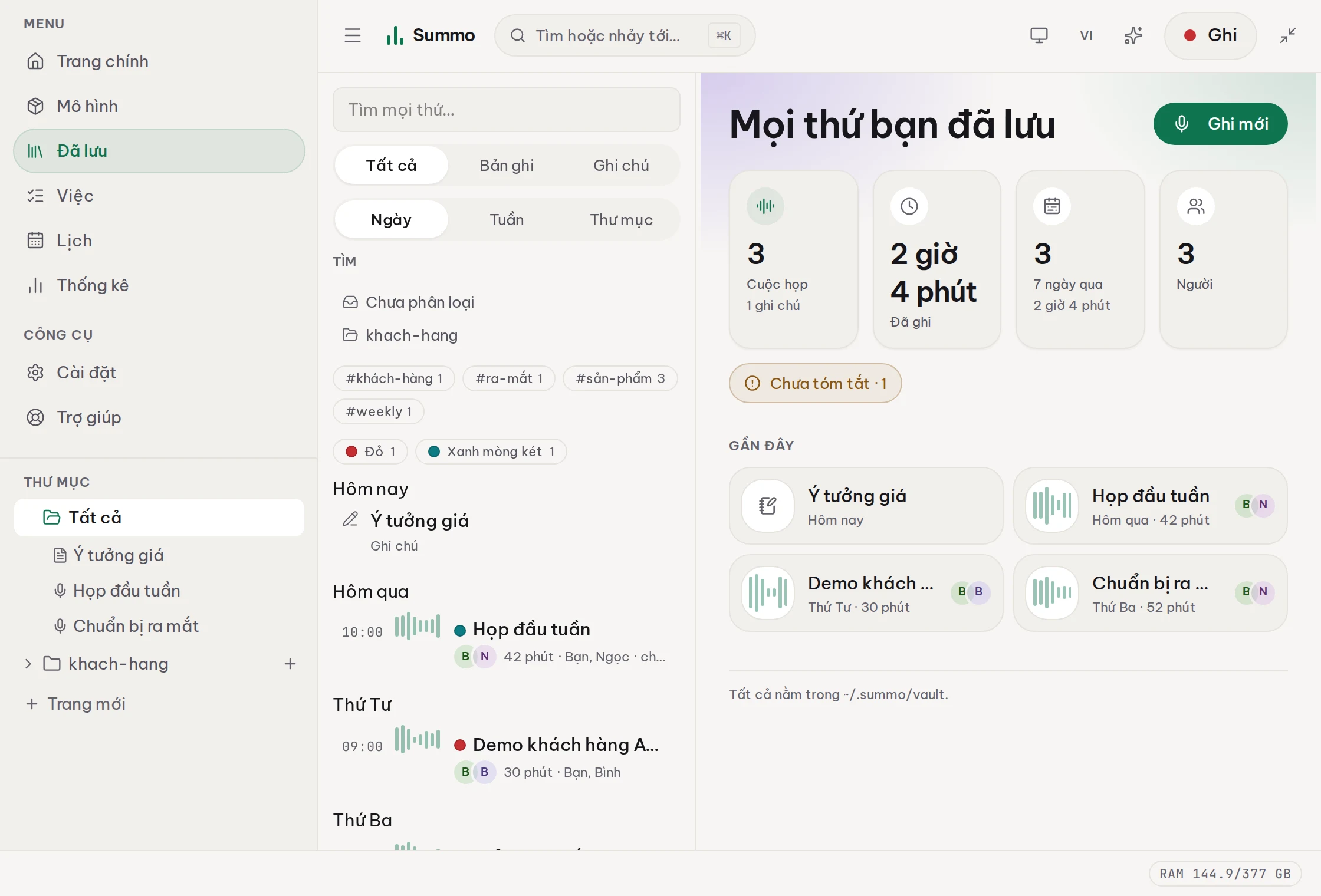
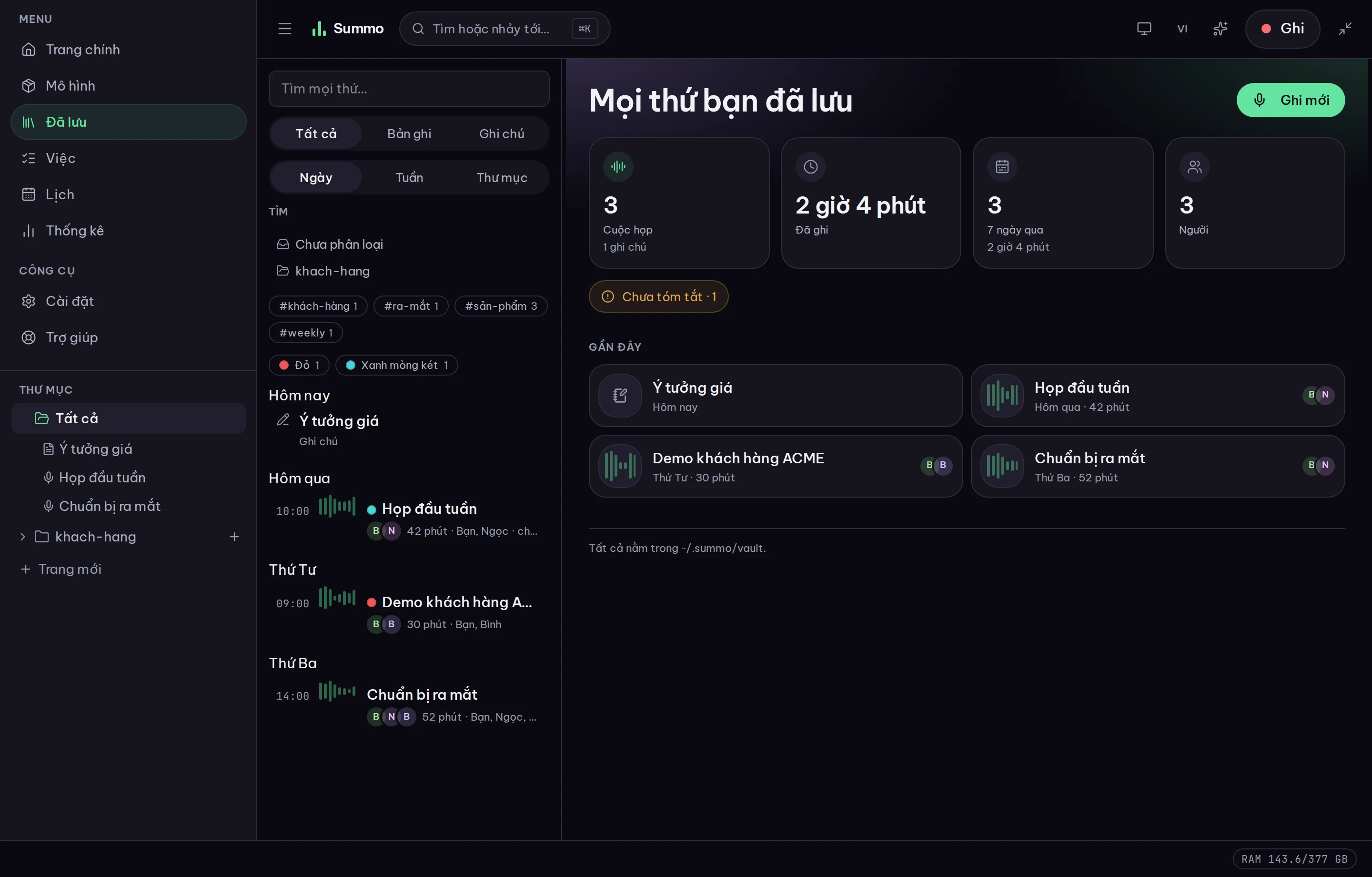
One shelf, not a meeting inbox
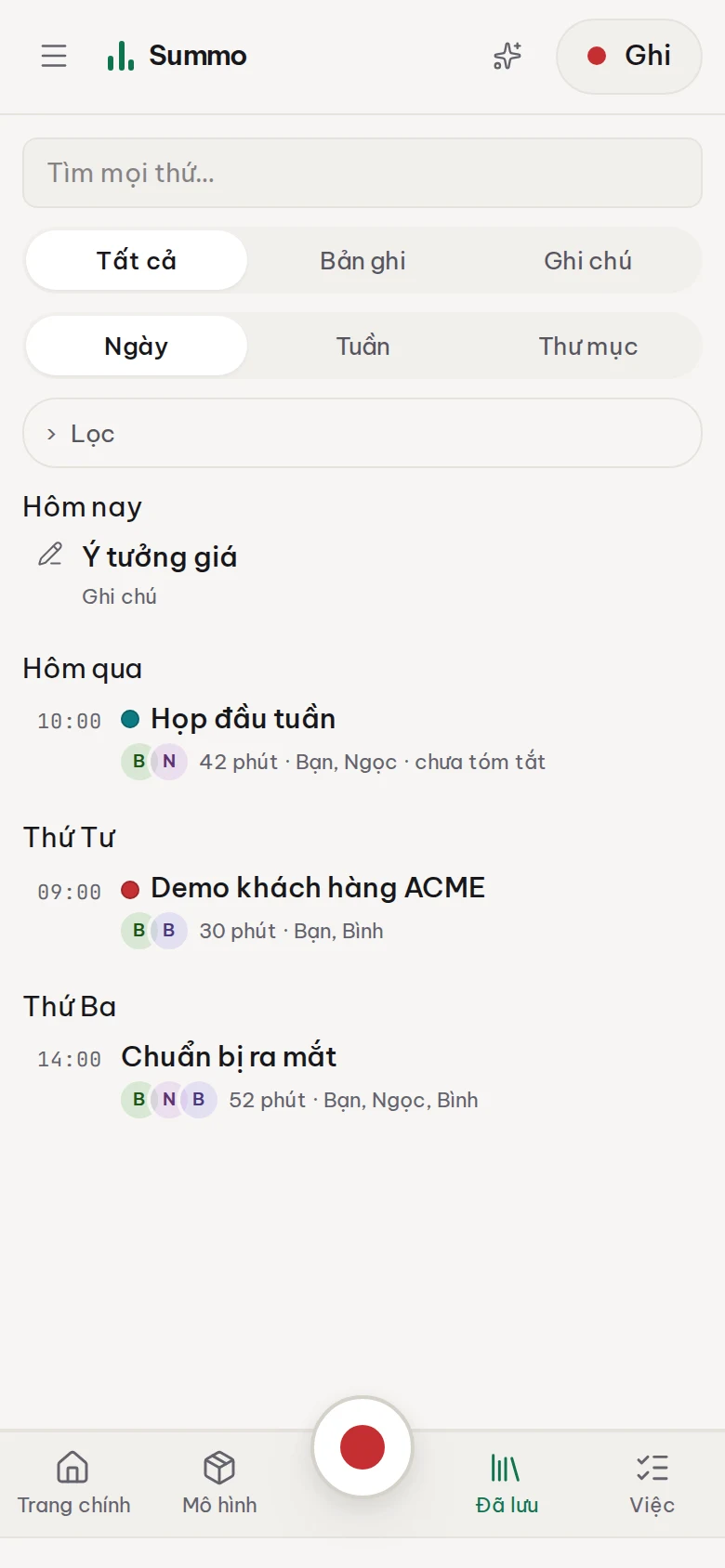
Recordings and typed notes live together, because they are the same kind of document. Filter by folder, tag, colour — or by kind.
A timestamped transcript, and an assistant that cites it
Every line knows which second of the recording it came from, and plays from there. Every answer says where it got it.
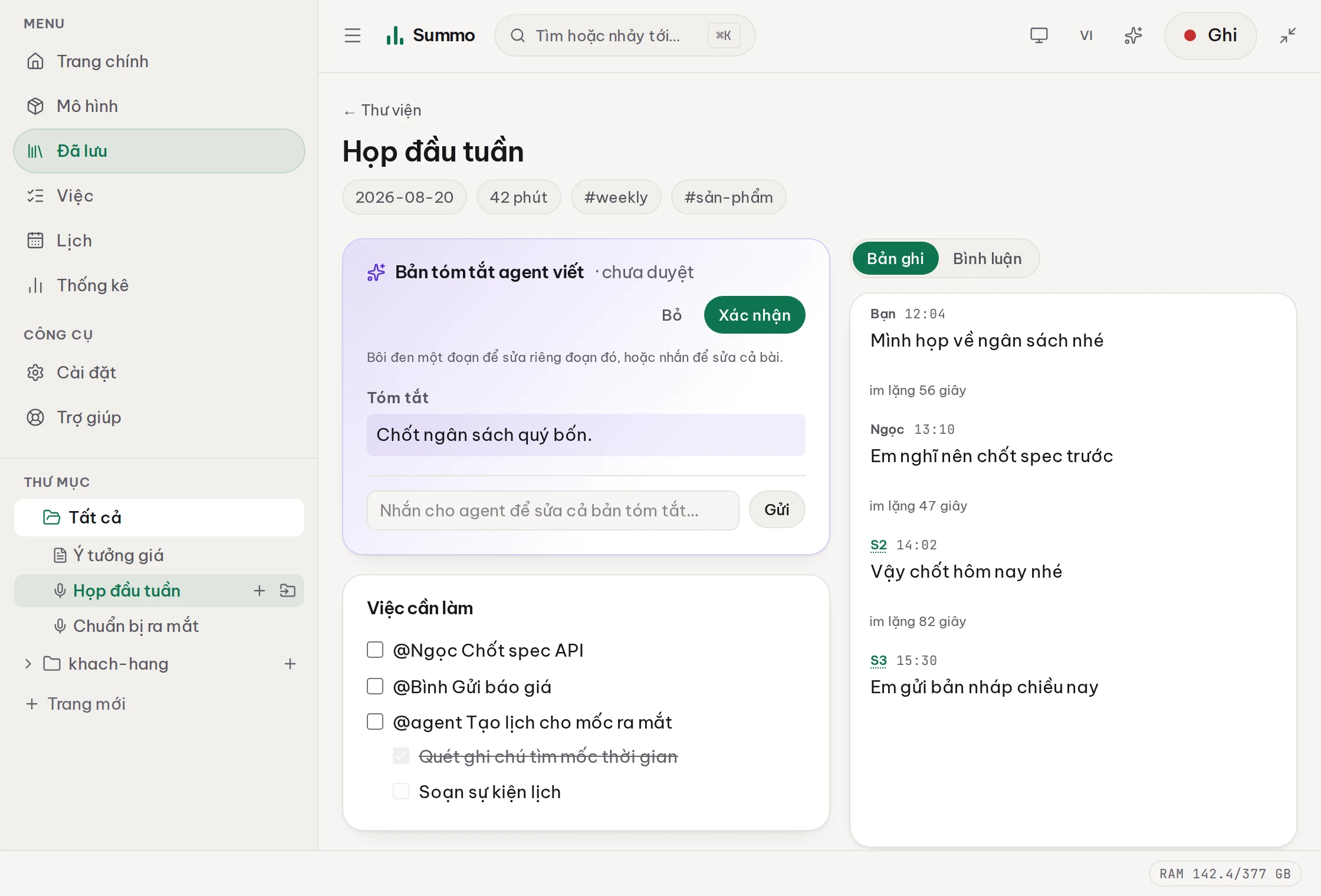
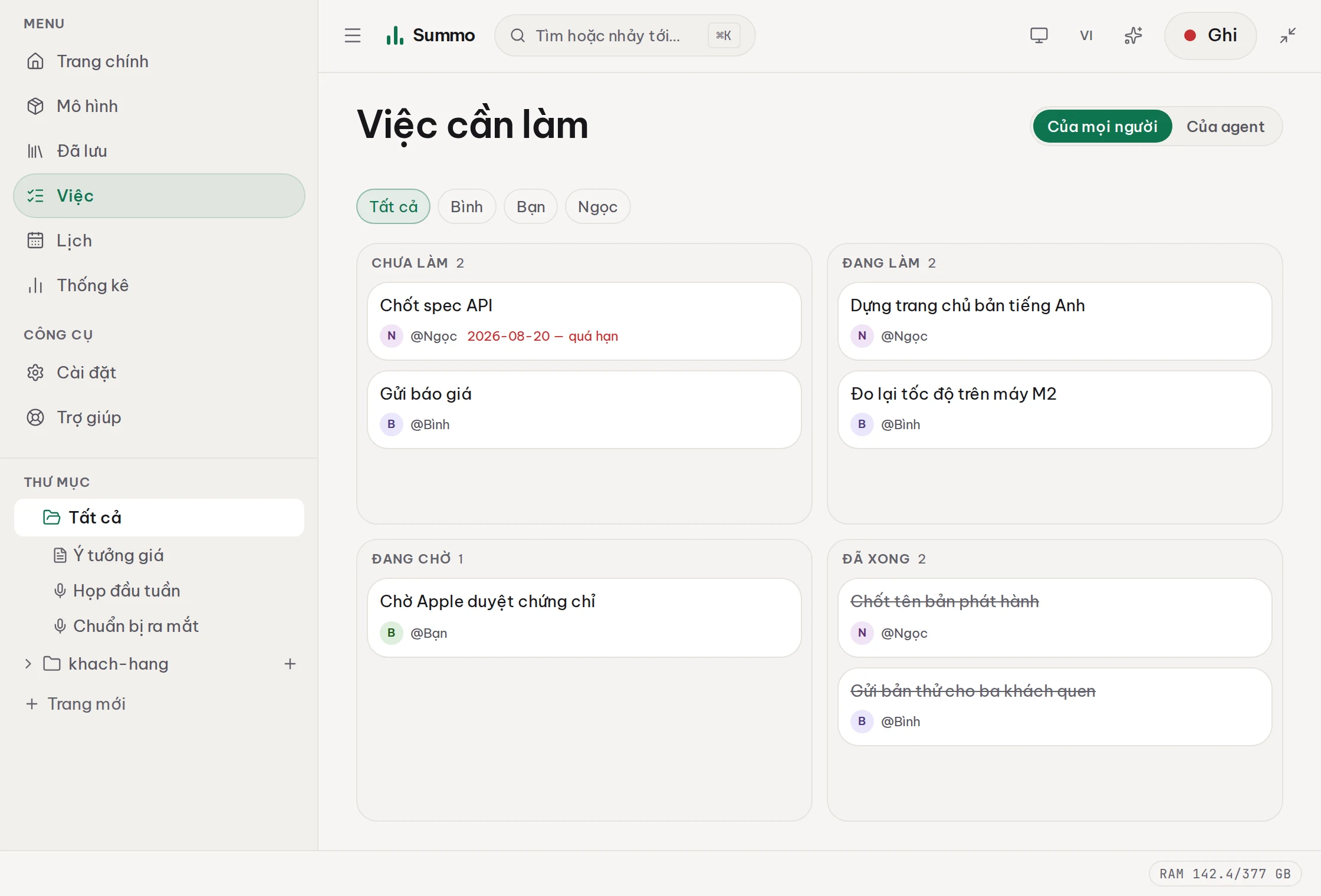
Tasks taken straight from what was said
Who owns it, when it is due, which sentence it came from — all inside that meeting's Markdown file, not in a database of its own.
You decide what is kept, and for how long
Audio is the largest thing here and the most sensitive. So there is a screen that says plainly what it costs, and a box for when to delete it.
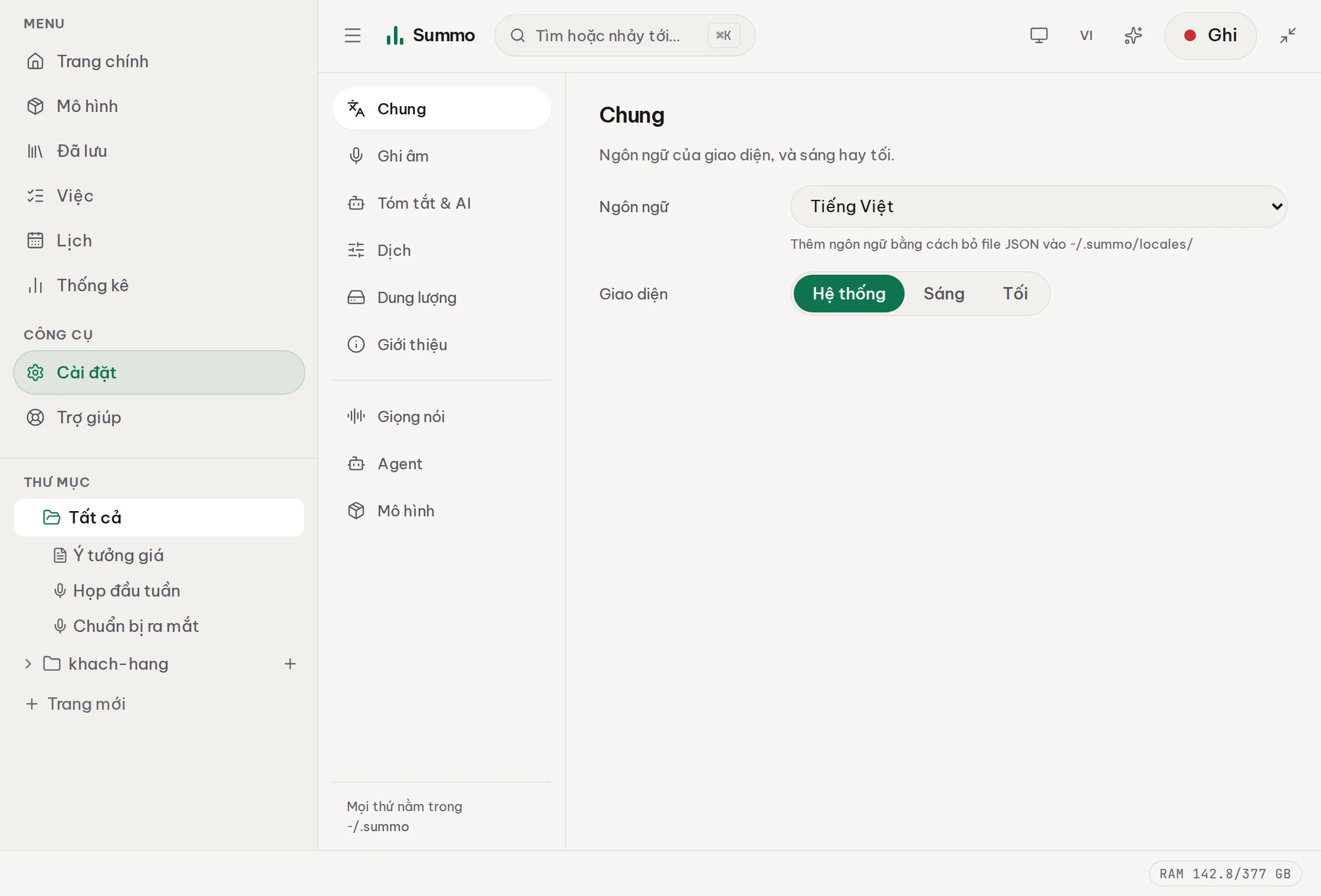
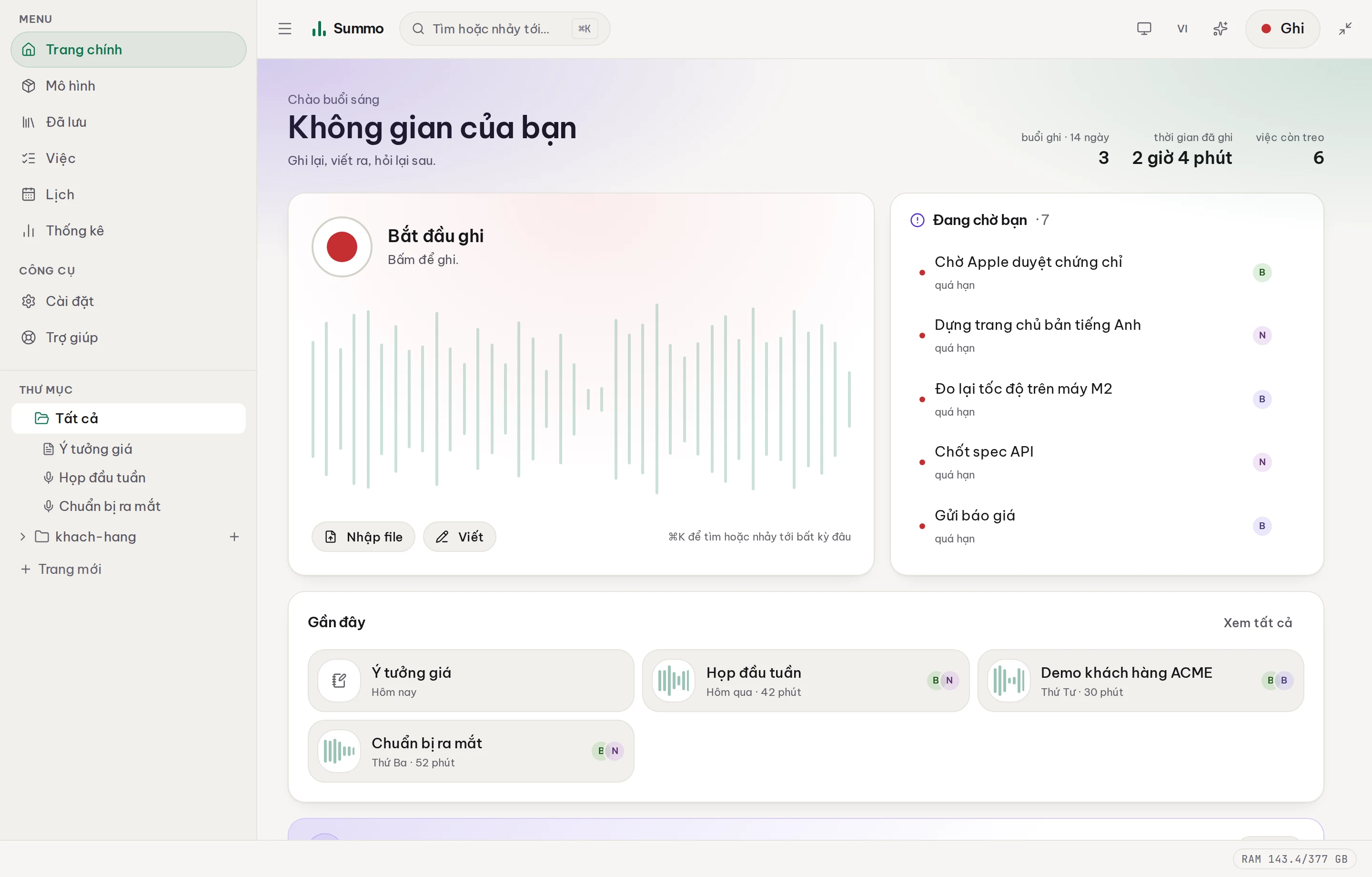
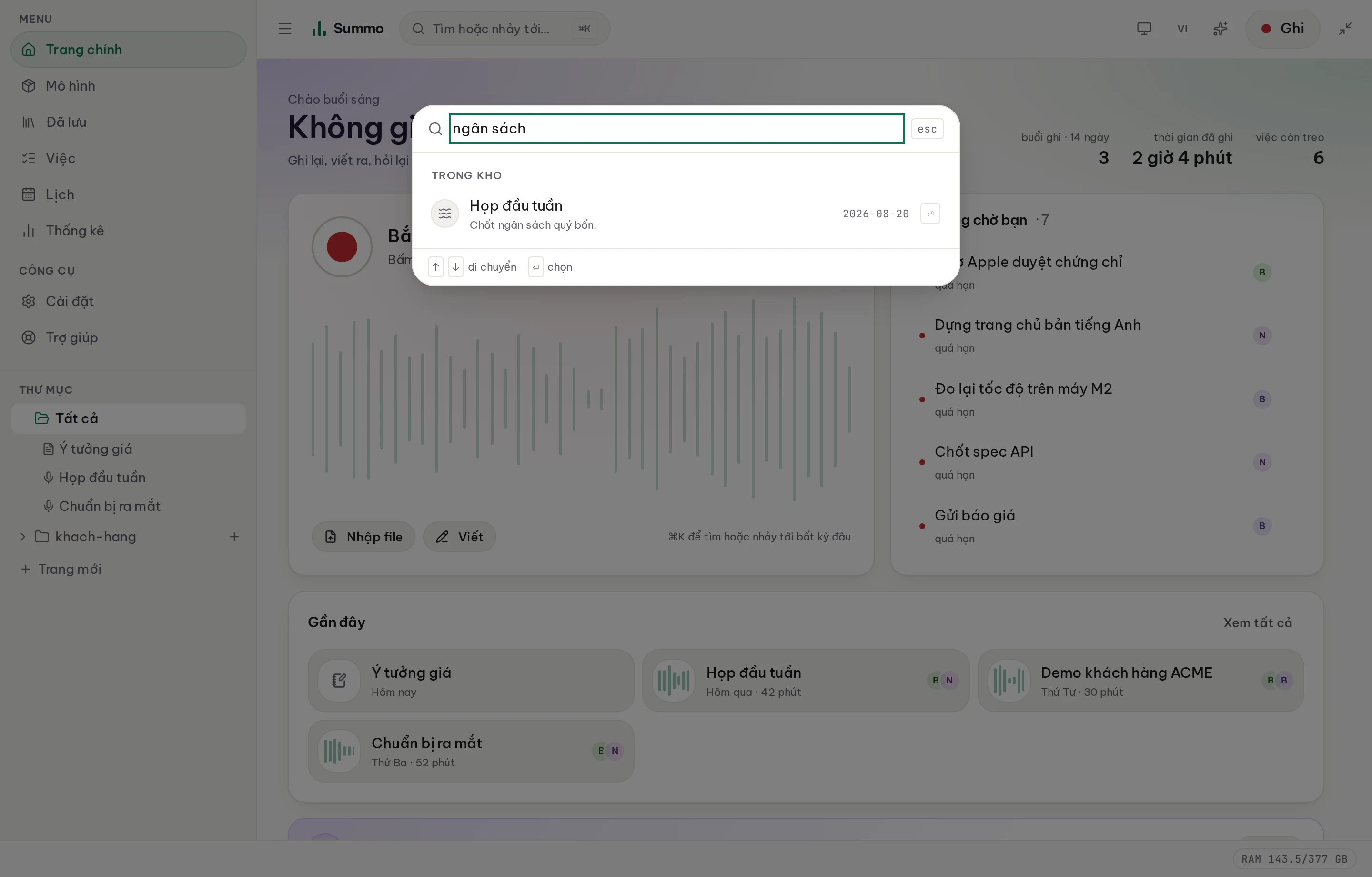
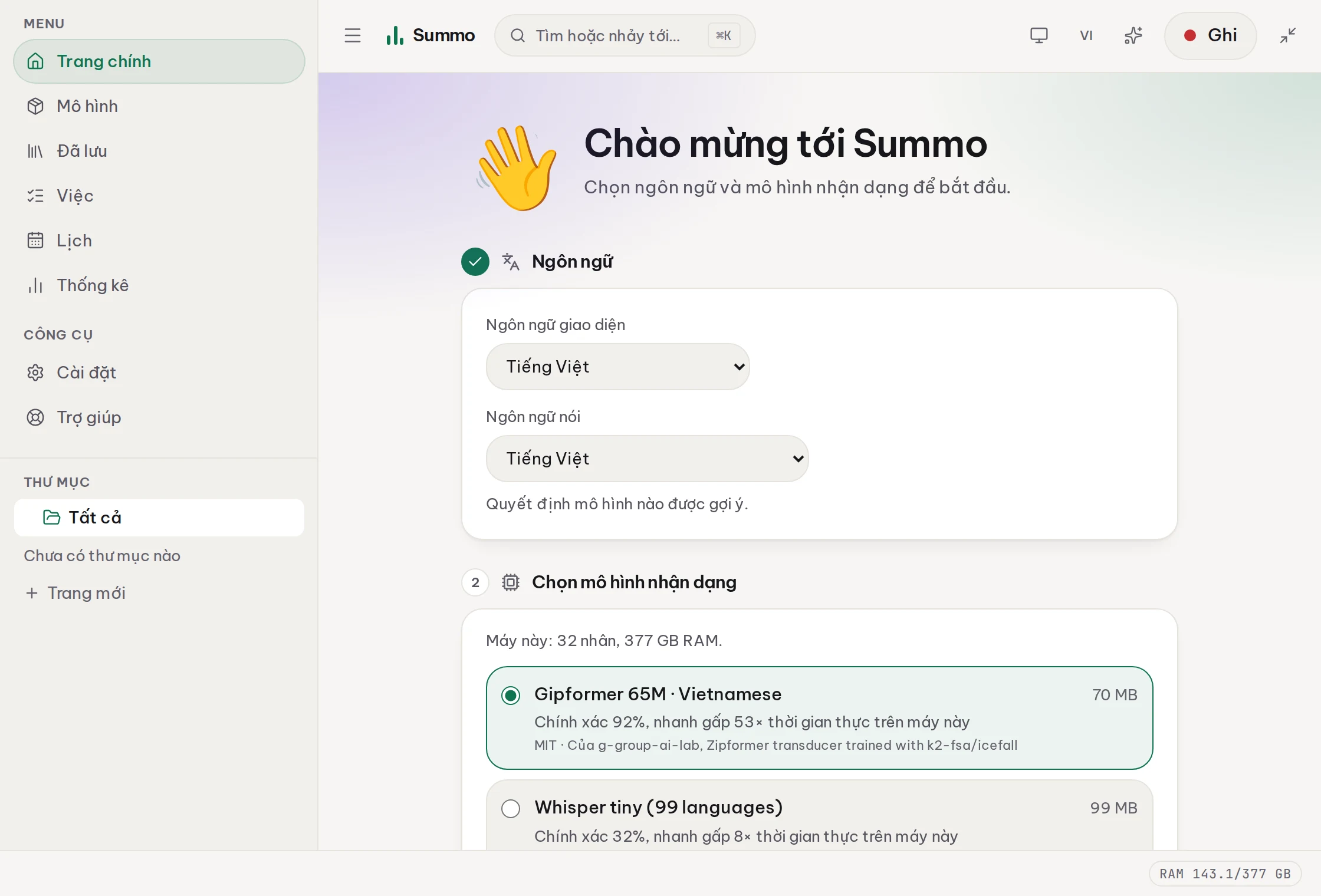
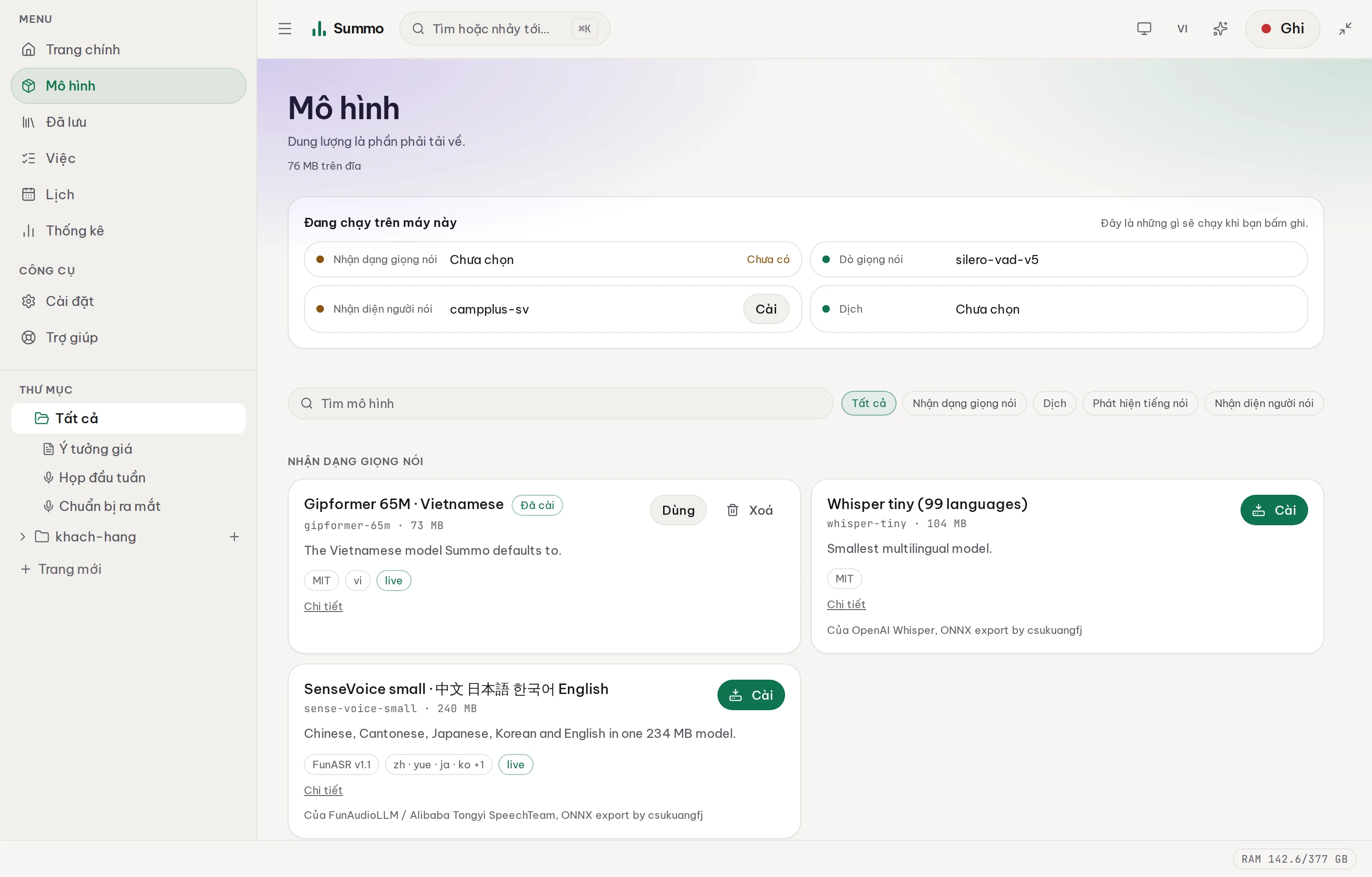
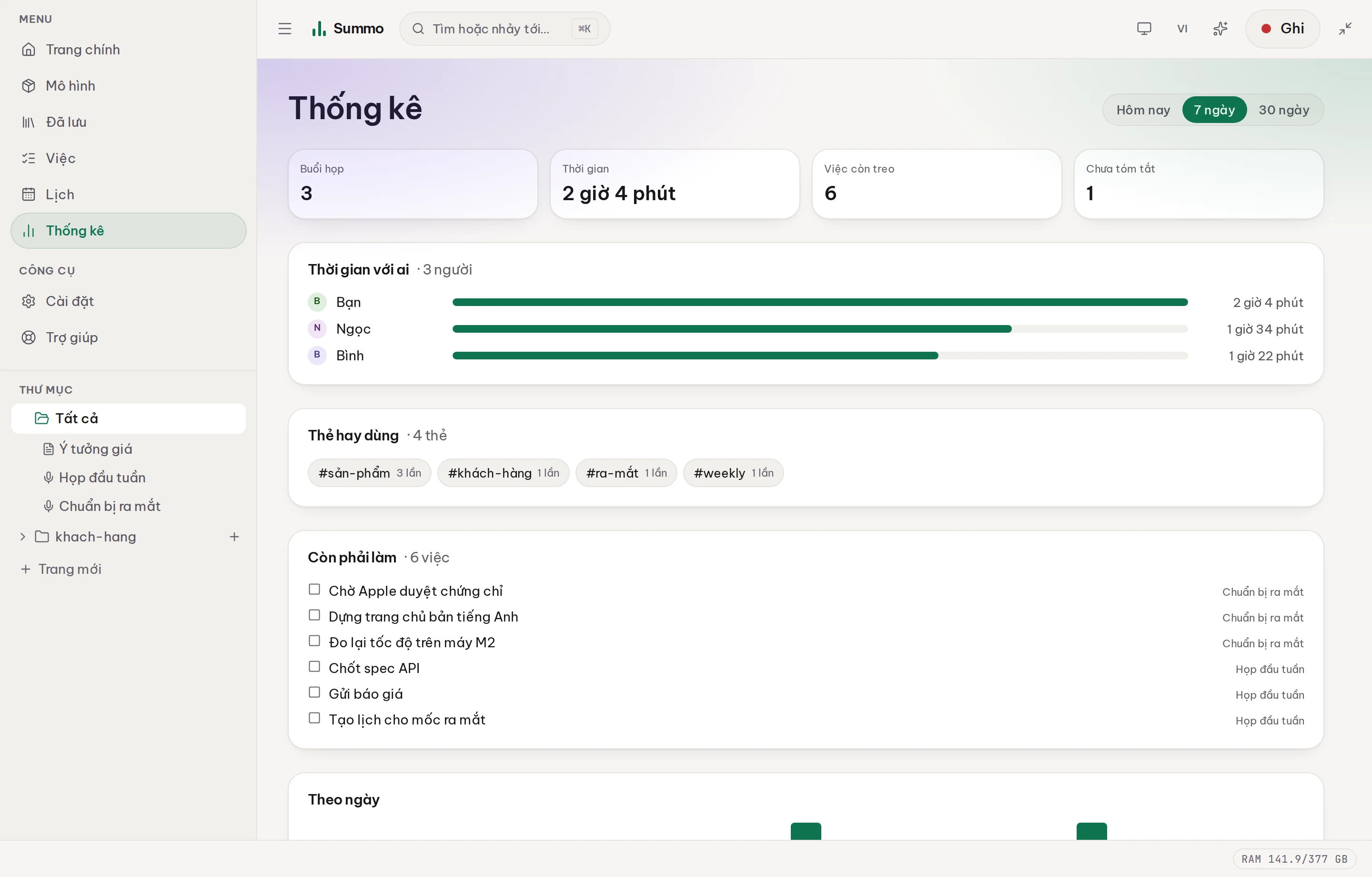
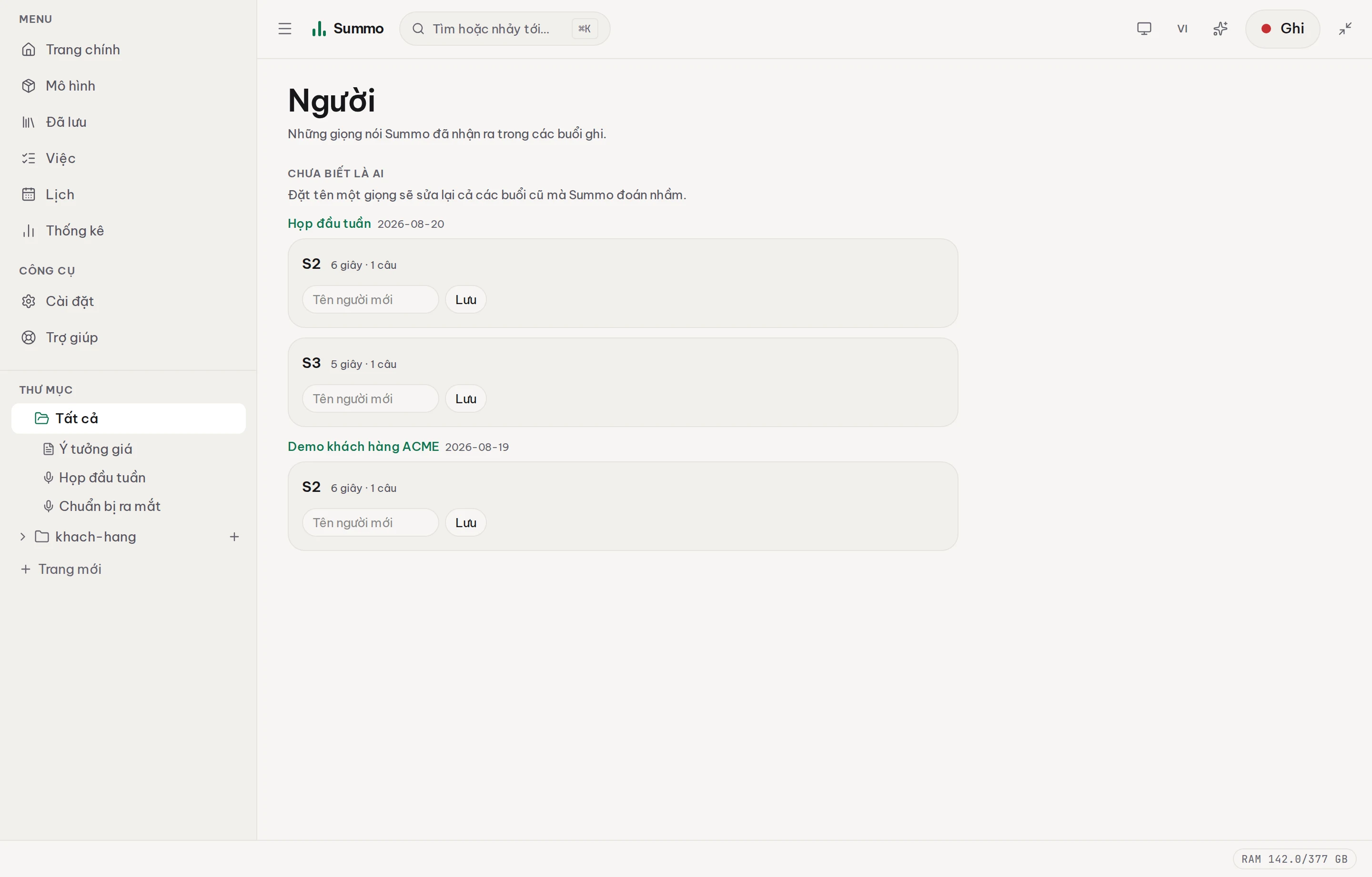
And every other screen
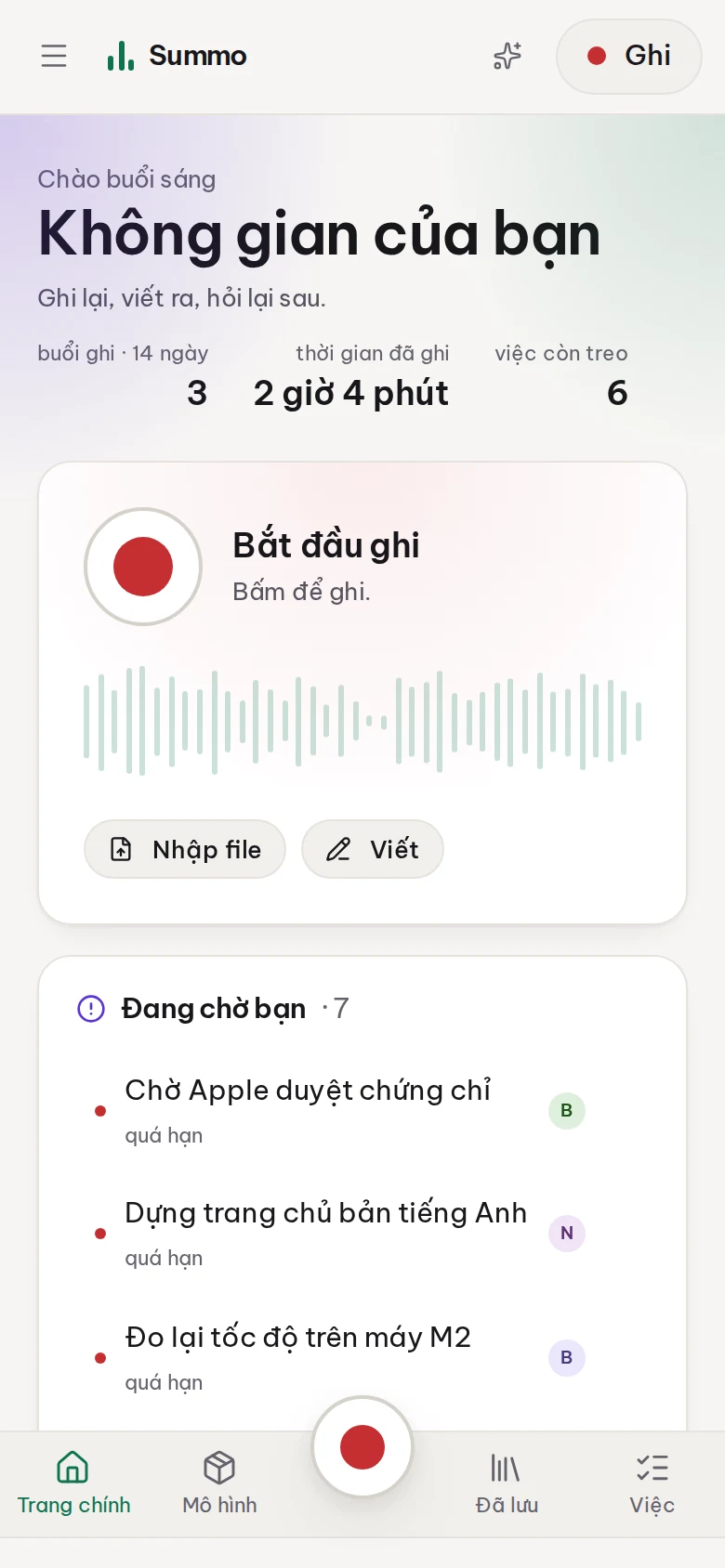
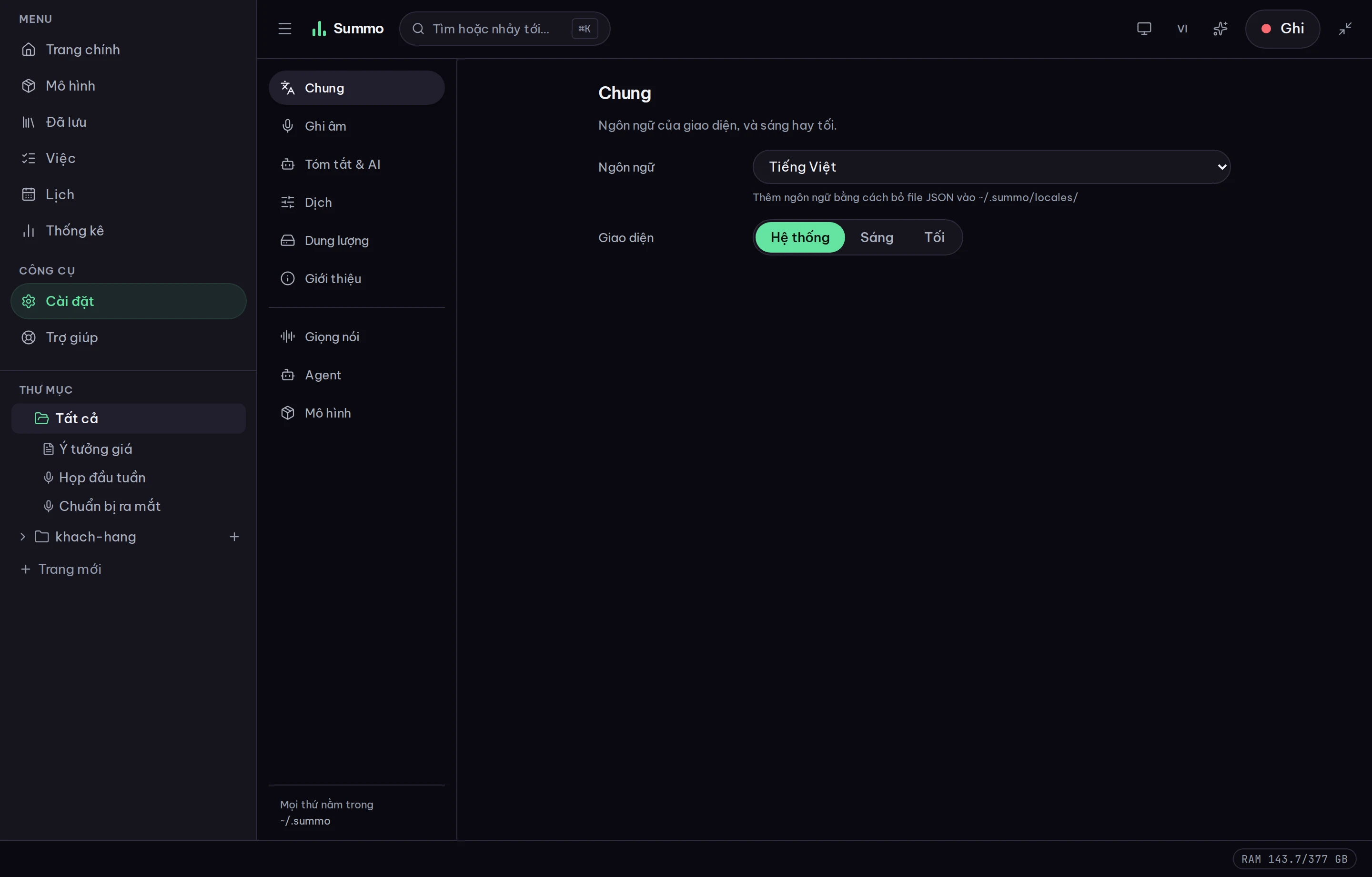
Real screenshots of the running build, not mockups. The interface is Vietnamese here; it also speaks English, Japanese and Chinese.
On a phone